How to Read a Manual J Load Calculation (and Why It Protects Your Margins)
The Most Expensive Shortcut in HVAC
A homeowner calls. Their 3-ton system from 2010 is dying. The tech walks the house, glances at the existing equipment, and quotes a 3-ton replacement.
It seems harmless. The old system was a 3-ton, the house hasn't gotten bigger, why would the new one be different? Six months later that same homeowner is calling back complaining the system "runs constantly" or "barely cools the upstairs," and now you've got a callback, a warranty discussion, and a customer telling all their neighbors you don't know what you're doing.
The fix would have taken 30 minutes: an actual Manual J load calculation. Skipping it — or worse, rubber-stamping rules of thumb like "500 square feet per ton" — is the single most common margin-killing mistake in residential HVAC.
What Manual J Actually Is
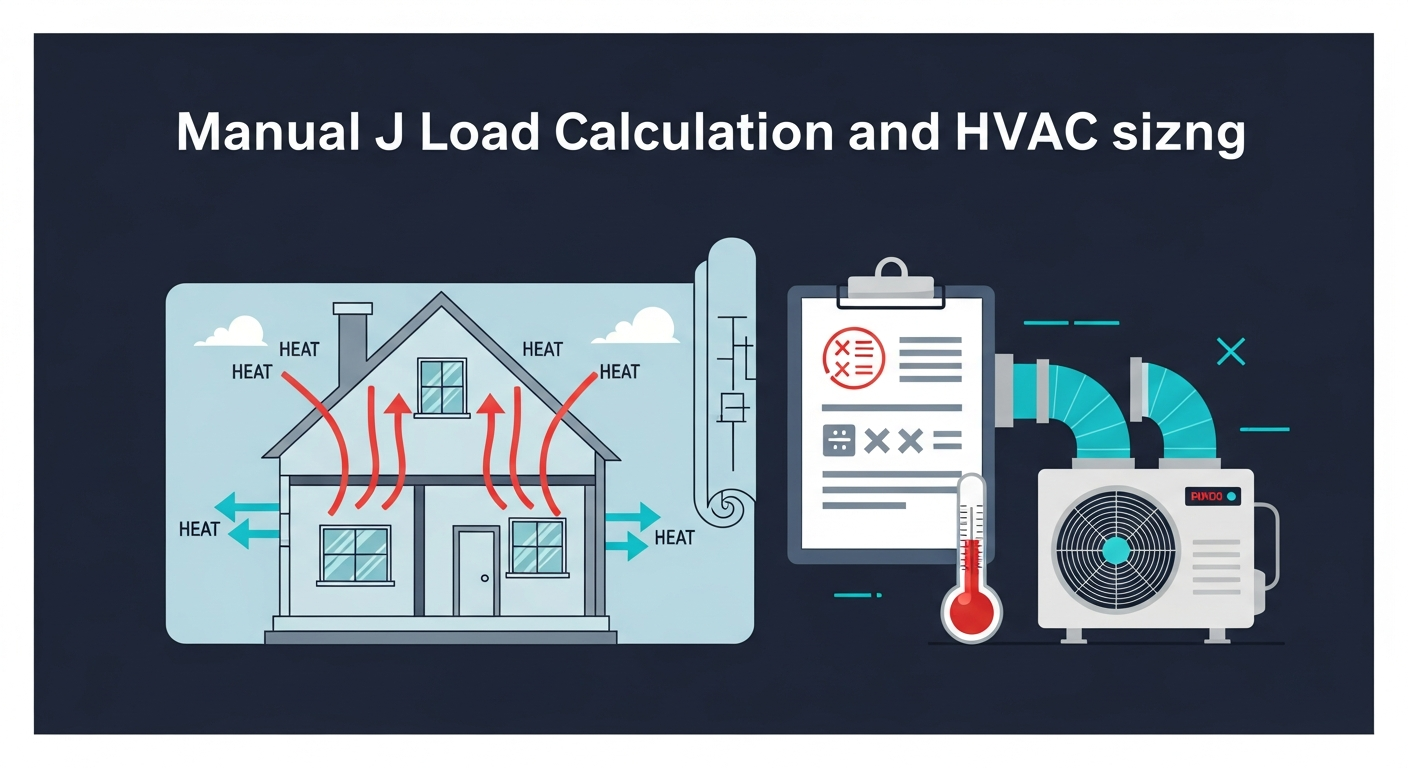
Manual J is the residential load calculation method published by ACCA (Air Conditioning Contractors of America). It calculates the heat gain (cooling load) and heat loss (heating load) of a home based on its actual construction and local climate, not guesswork.
The output is a number — usually expressed in BTU/hr — that tells you the maximum amount of heating and cooling capacity the home actually needs at design conditions (the hottest and coldest days you can reasonably expect).
That number drives every other decision: equipment size, ductwork design, refrigerant line sizing, and the customer's comfort for the next 15 years.
Why Oversizing Is the Bigger Sin
Most contractors who skip Manual J err on the side of "going one size up just to be safe." That instinct is backwards. Oversizing is much worse than slightly undersizing.
Here's what an oversized AC actually does:
- Short-cycles. It cools the air to the thermostat setpoint quickly, then shuts off — without running long enough to remove humidity. The house feels cold and clammy.
- Wears out faster. Compressors are designed for long, steady runtimes. Frequent on/off cycling shortens equipment life dramatically.
- Wastes electricity. Inefficient cycling, plus higher peak draw on every startup, means higher bills.
- Creates uneven temperatures. Short runtimes don't give the air time to mix throughout the home, so distant rooms stay hot while the room with the thermostat is freezing.
In other words, every oversized install is a callback waiting to happen. And callbacks are where margins go to die.
The Five Inputs That Matter Most
A Manual J load calc has dozens of inputs, but five of them drive 80% of the result. When you read a load report, focus here:
1. Building Envelope (Insulation Levels)
Wall, ceiling, and floor R-values. A 1980s home with R-11 walls and R-19 attic loses heat very differently from a 2020 home with R-21 walls and R-49 attic. Insulation upgrades since the home was built can change the load by 20-40%.
2. Window Area and Performance
Windows are usually the single biggest source of heat gain in a home. The report will list square footage, U-factor, SHGC (solar heat gain coefficient), and orientation. Big west-facing windows in Phoenix produce a huge afternoon cooling load. Small triple-pane windows in Vermont barely register.
3. Infiltration
How leaky is the building envelope? Older homes typically infiltrate 0.5-1.0 air changes per hour; tight new construction can be 0.1-0.3 ACH. Infiltration drives both heating and cooling loads, especially in extreme climates.
4. Internal Gains
People, lights, appliances, and electronics all add heat. A standard residential calc assumes typical occupancy; a home-office or workshop with multiple computers and a 3D printer is going to need more cooling than the spreadsheet defaults.
5. Climate Data (Design Temperatures)
Manual J uses ACCA-approved 99% design temperatures for heating and 1% design temperatures for cooling — meaning the equipment is sized to handle 99% of the hours in a year, not the absolute extreme. This is why a properly sized system might "struggle" on the single hottest day of the decade — it's designed to.
How to Read a Real Load Report
Most Manual J software (Wrightsoft, Cool Calc, Elite RHVAC) produces a multi-page report. Here's what to actually look at:
- Whole-house heating load (BTU/hr). This is your furnace or heat pump heating-mode size driver.
- Whole-house cooling load (BTU/hr) — sensible AND latent. Cooling load splits into sensible (temperature) and latent (humidity). High latent loads in humid climates may push you toward variable-capacity equipment for better dehumidification.
- Room-by-room breakdown. This drives ductwork design and register sizing. A bedroom with 1,500 BTU of cooling load needs a very different supply than the great room with 8,000.
- Design conditions used. Make sure they match the local climate data, not factory defaults from another state.
A 12,000 BTU/hr cooling load means a 1-ton system. 24,000 = 2 tons. 36,000 = 3 tons. Pick the equipment whose published capacity at local design conditions (not nameplate) is closest to — but not below — the calculated load. Oversizing by half a ton is usually fine; oversizing by a full ton is where the comfort problems start.
Talking to the Homeowner About Sizing
When a customer asks "why is the new system smaller than the old one?" — a totally normal question — have a clear answer ready:
> "When we ran the actual load calculation on your home, it showed you only need 2.5 tons of cooling. The old 3-ton was oversized for this house, which is why you mentioned the upstairs being humid. The right-sized system will run longer, dry the air better, and use less electricity."
Most homeowners appreciate the explanation. The few who push back are easier to walk away from than the callbacks you'd otherwise own forever.
How Accurate Sizing Protects Your Margins
Every unsold callback costs you money — tech time, parts, fuel, scheduling disruption — and every callback also dings your reputation. A single Yelp review complaining about "the system the contractor installed never worked right" can quietly cost you tens of thousands in lost leads.
Compare that to the cost of a real Manual J: 30-60 minutes of office time per quote, or a $25-$50 software-as-a-service tool fee. The ROI isn't even close. It's the same discipline as pricing every job for real margin — small, upfront rigor that protects profit for years. Accurate sizing is one of the highest-margin things you can do in your business.
Where Quoting Tools Fit In
Manual J itself is a sizing exercise — it tells you what equipment to put on the proposal. The proposal itself is where customers actually decide. The contractors who win consistently pair an accurate load calc with a clean, professional, tiered proposal that explains the equipment choice, the warranty, and the financing options.
HVAC proposal software like QuoteSheet is built for that final step. Once you know the right size from your load calc, you can pull pre-configured equipment packages, build a Good-Better-Best proposal in minutes, and hand the customer something that looks as professional as the engineering behind it. Accurate sizing plus a great proposal is a combination that's very hard to lose to.
Stop Guessing. Start Sizing.
Rules of thumb made sense in 1985. In 2026, with the variability in window technology, insulation levels, and climate, sizing by feel is just expensive guessing.
Run the load calc. Read the report. Right-size the system. Your margins, your reputation, and the next 15 years of replacement opportunities will thank you.
Turn accurate sizing into winning proposals — start your free trial →